 VYS TV
Speed up the Xiaomi Mi TV Stick
The Xiaomi Mi TV Stick runs Android TV and works with VYS TV. You get a calm home screen with only your own apps, your iPhone as a remote, and you can sideload apps yourself.
Before and after
On the left the Mi TV Stick as it comes out of the box, on the right with VYS TV. You set the text at the top, the rows and the background yourself. The simpler layout makes the stick much faster: no more recommendations, previews and ads loading in the background.
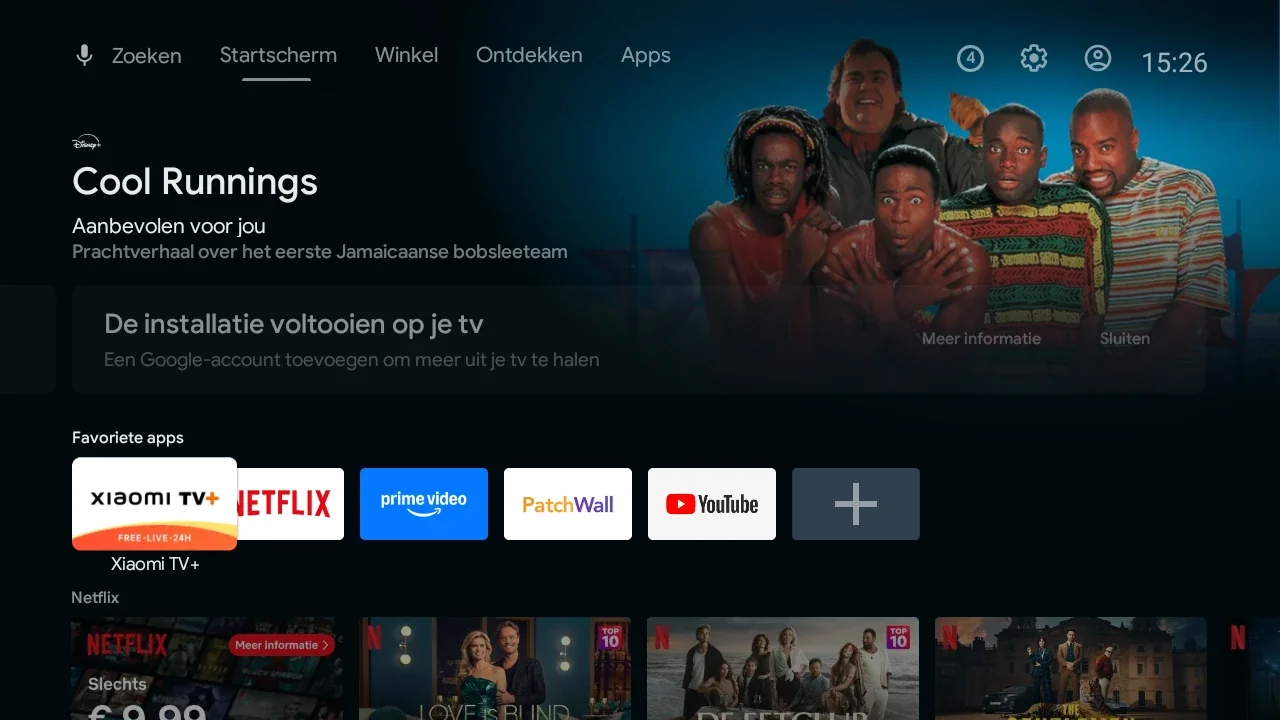
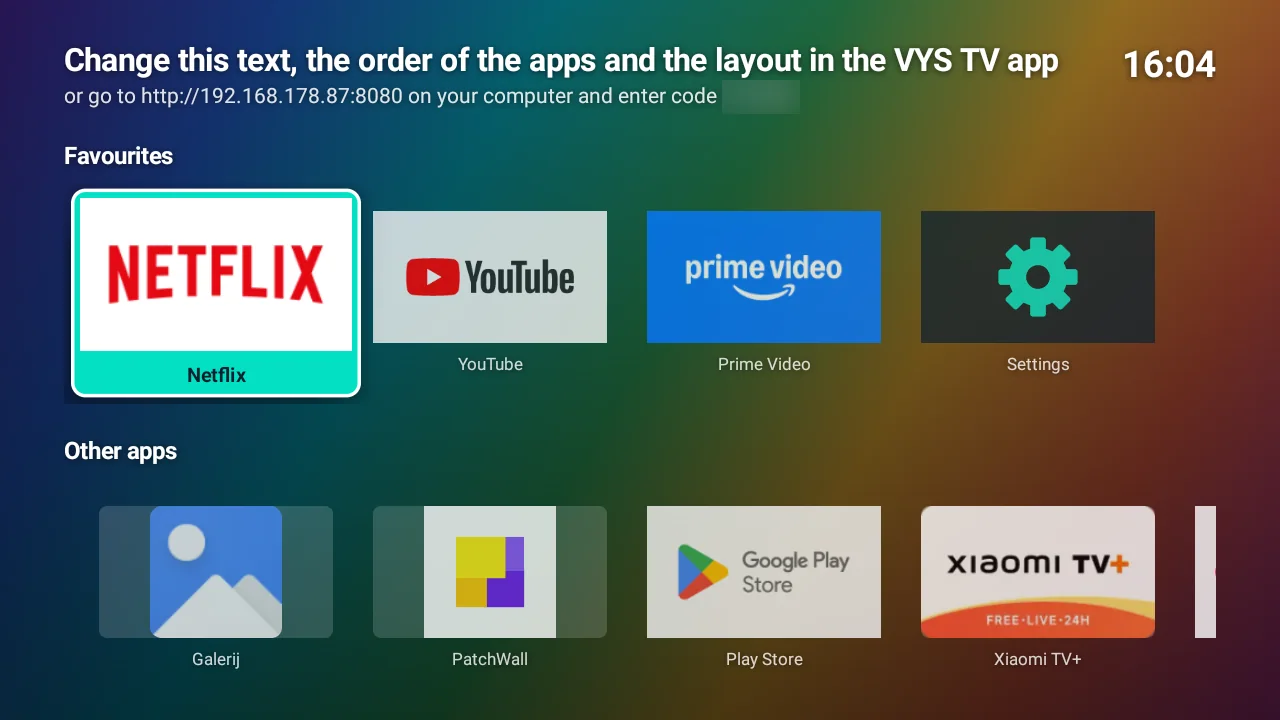
What VYS TV does on the Mi TV Stick
- A calm home screen with only your own apps, in rows, with your own titles and a background photo. No recommendations and no ads.
- Unnecessary apps and recommendations off, streaming apps that no longer run silently in the background, and faster animations. The app measures memory, storage and processes before and after.
- Your iPhone as a remote control, with typing into a search field and a screenshot.
- Sideload apps yourself: APK, XAPK or APKS.
- A VPN that stays on when you open another app.
- Always a way back: a backup of the original on the first connection, and Back to original.
Developer mode and USB debugging on the Mi TV Stick
- Press the Home button and choose the gear Settings.
- Choose Device Preferences and then About.
- Go to Build and press OK 7 times, until you see "You are now a developer".
- Go back to Device Preferences, choose Developer options and turn on USB debugging.
- You find the IP address under Settings, Network & Internet, with your Wi-Fi network.
Then in the app
- Put your iPhone on the same Wi-Fi network as the stick.
- Open VYS TV, choose Set up a new TV and continue to Connect to the TV; the app finds the stick by itself.
- The TV shows "Allow USB debugging?": tick Always allow from this computer and choose OK.
- Tap Optimise TV speed.
Sideloading apps on the Mi TV Stick
If an app is not in the stick's Play Store, you put it on yourself as APK, XAPK or APKS: in the app under Apps (up to 95 MB) or via the stick's browser page (up to 1.5 GB). If the stick refuses, the reason is shown. More in Sideload an APK or XAPK on your TV.
VYS TV does this for you
The app on your iPhone makes your Android TV or Google TV faster, with only your own apps, and restores everything if you want.
Questions
Does it also work on the Mi TV Stick 4K?
Yes, it also runs Android TV. The steps are the same.
Will my VPN on the stick stay on?
VYS TV lets VPN apps keep running in the background when you open another app (see VPN on your TV keeps stopping).
Can I go back to the old home screen?
Yes, with Back to original (see Restoring the original home screen).
Further reading
VYS TV on an Android TV stick
Also for TV sticks with Android TV or Google TV, such as the Xiaomi Mi TV Stick and Chromecast with Google TV.
Sideload an APK or XAPK on your TV
Put an app on your Android TV yourself (APK, XAPK, APKS), and what a message from the TV means.
VYS TV on an Android TV box
Mi Box S, Nvidia Shield and other boxes with Android TV: faster, with only your own apps.